Promotional Toolkit for Restaurants & Businesses
These promotional tools are for registered Joyful Dinner participants.
Make sure you
sign up before you begin planning your event!
How to promote your Joyful Dinner
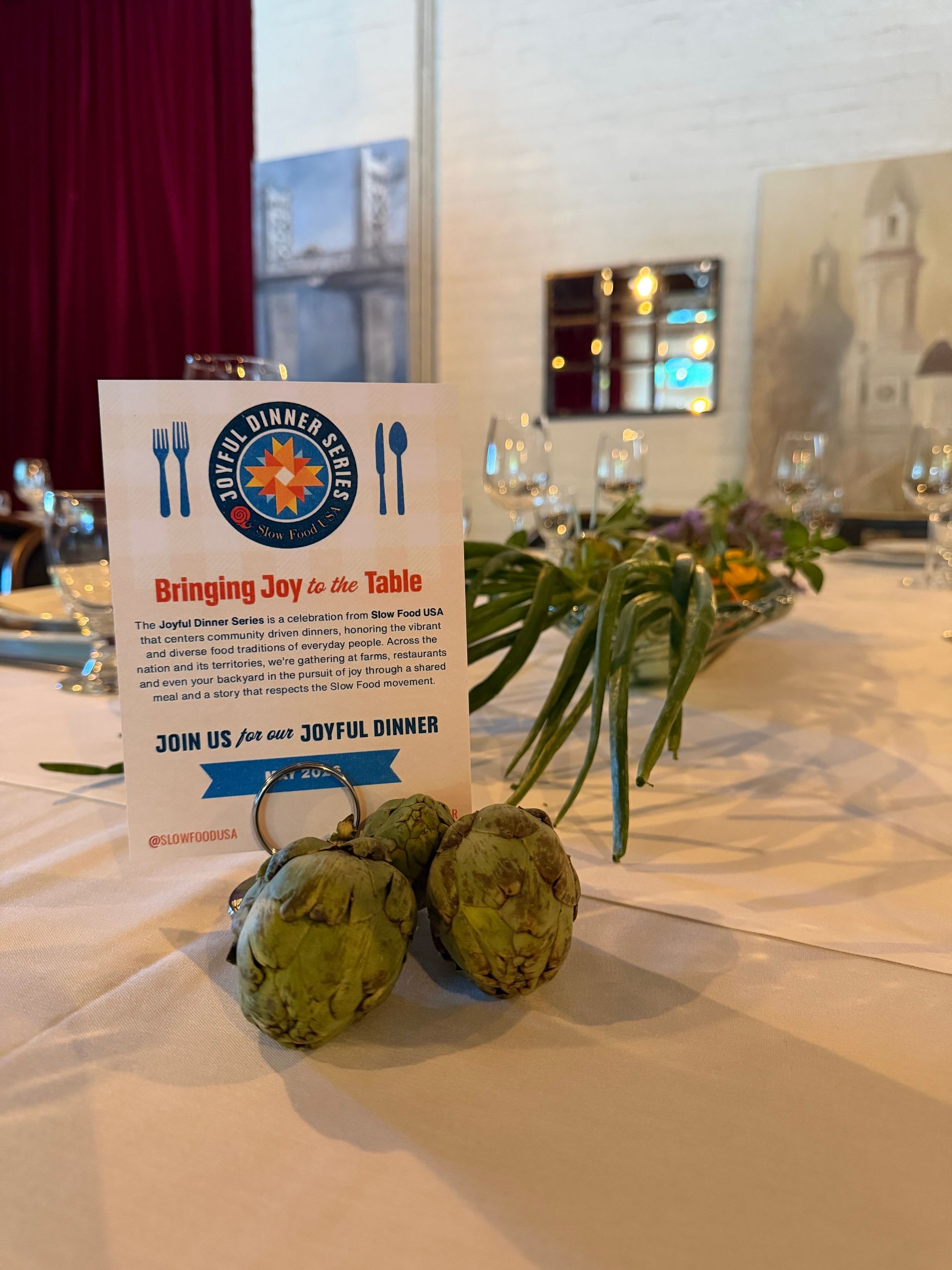
We have created a suite of digital and print graphics for your use.
All of these graphics are editable in Canva – or you can download ready-to-use versions.
To use Canva Templates:
- Click an image or link to open and add your event date & details
- Please follow the instructions & brand guidelines provided.
If you prefer not to use Canva, click here to download ready-to-use graphics.
If you need custom graphics or have any questions, email comms@slowfoodusa.org. We’re happy to help!
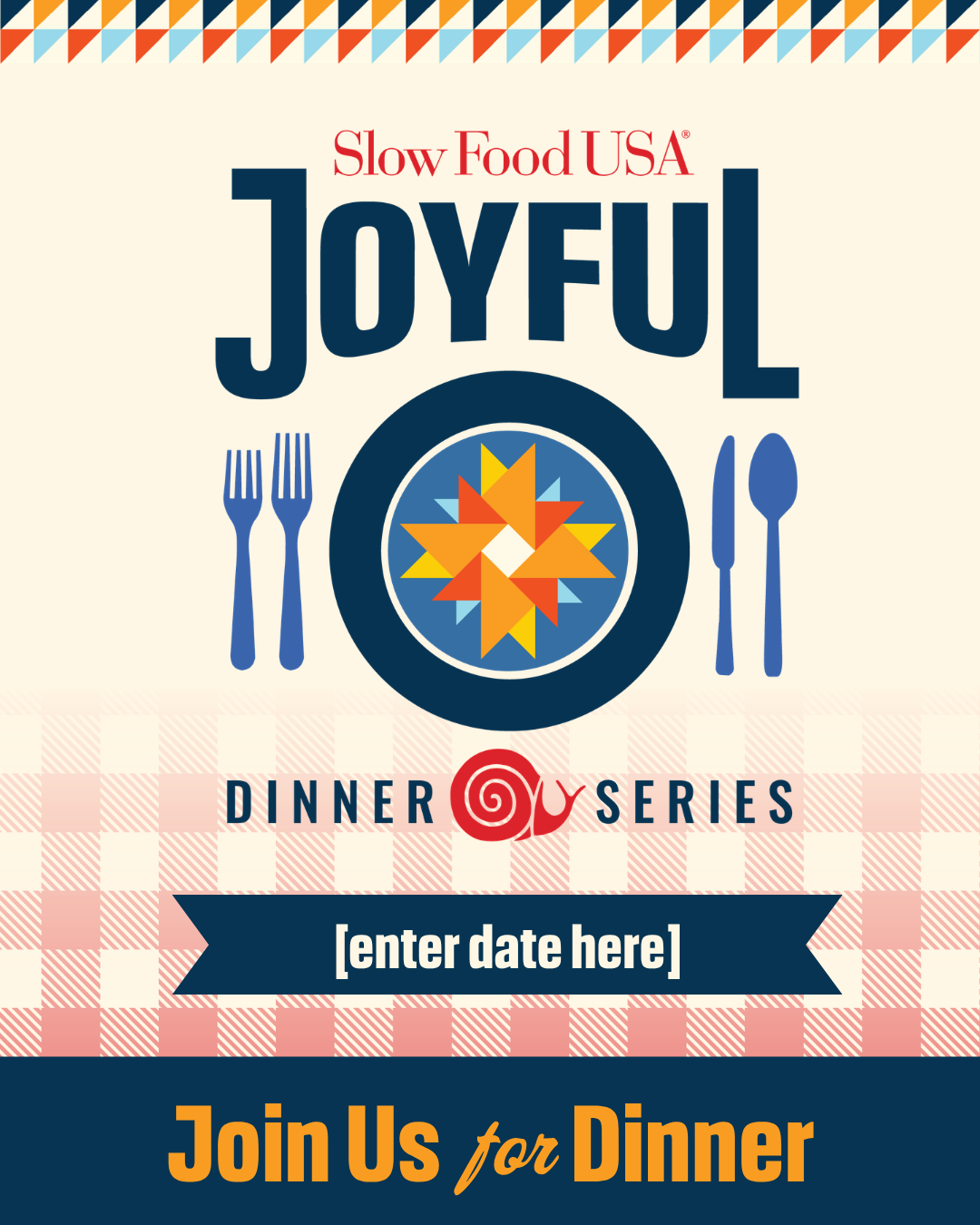
For Instagram: Feed Post
Use this graphic to announce your Joyful Dinner.
- CLICK HERE to open the graphic in Canva
- Insert the date of your event.
- Download the graphic.
Helpful tip:
You can pair this with other images to make a carousel Instagram post!
Don’t forget to tag @SlowFoodUSA and #SFJoyfulDinner in your caption!
Do not move or change any elements of this design. If you would like to request a custom graphic, please email comms@slowfoodusa.org.
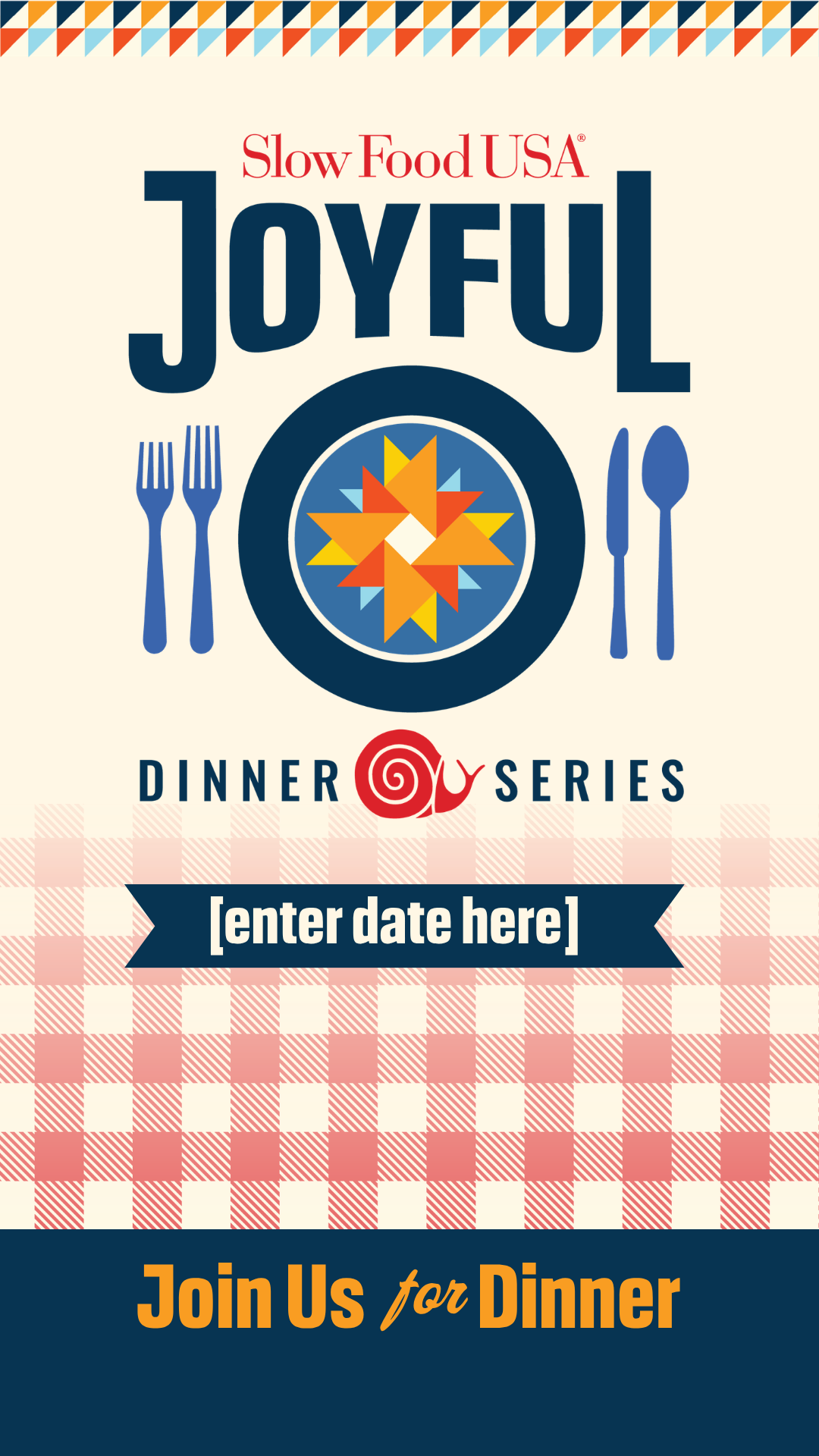
For Instagram: Story Post
Use this graphic to announce or remind followers about your Joyful Dinner.
- CLICK HERE to open the graphic in Canva.
- Insert the date of your event on the blue banner.
- Download the graphic.
Helpful tip:
You could also download the graphic without adding the date & insert the date in Instagram.
Don’t forget to tag @SlowFoodUSA and #SFJoyfulDinner. Use the space below the date field to add extra details & tags!
Do not move or change any elements of this design. If you would like to request a custom graphic, please email comms@slowfoodusa.org.
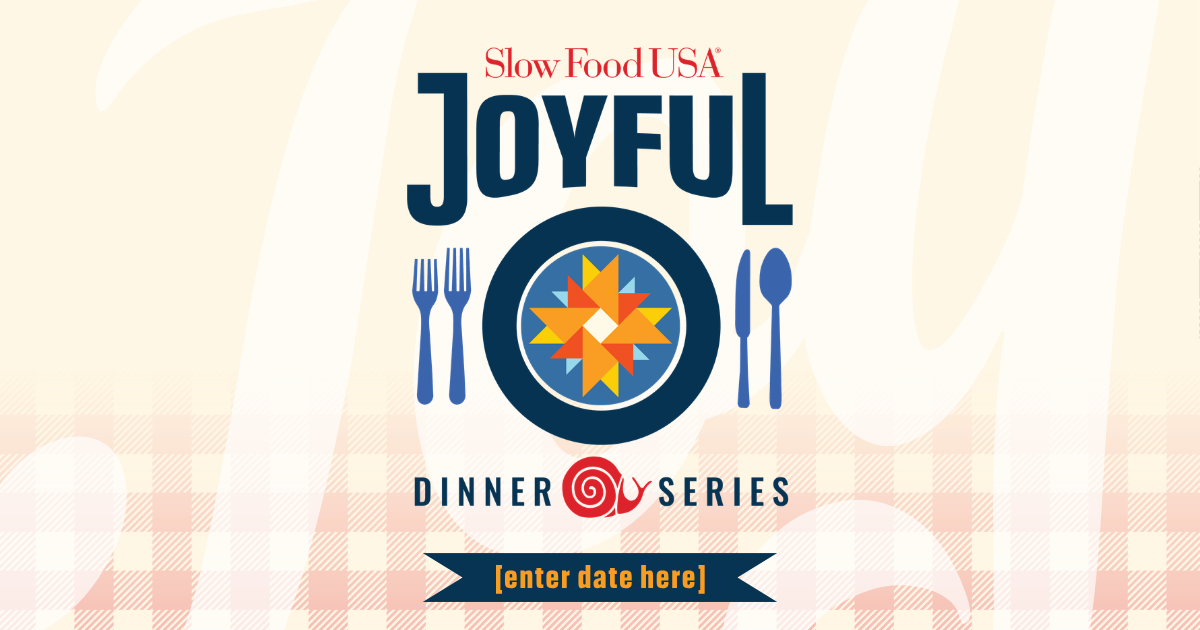
For Facebook (or Newsletter Header)
Use this graphic to announce your Joyful Dinner.
- CLICK HERE to open the graphic in Canva.
- Insert the date of your event on the blue banner.
- Download the graphic.
Don’t forget to tag @SlowFoodUSA and #SFJoyfulDinner.
Do not move or change any elements of this design. If you would like to request a custom graphic, please email comms@slowfoodusa.org.
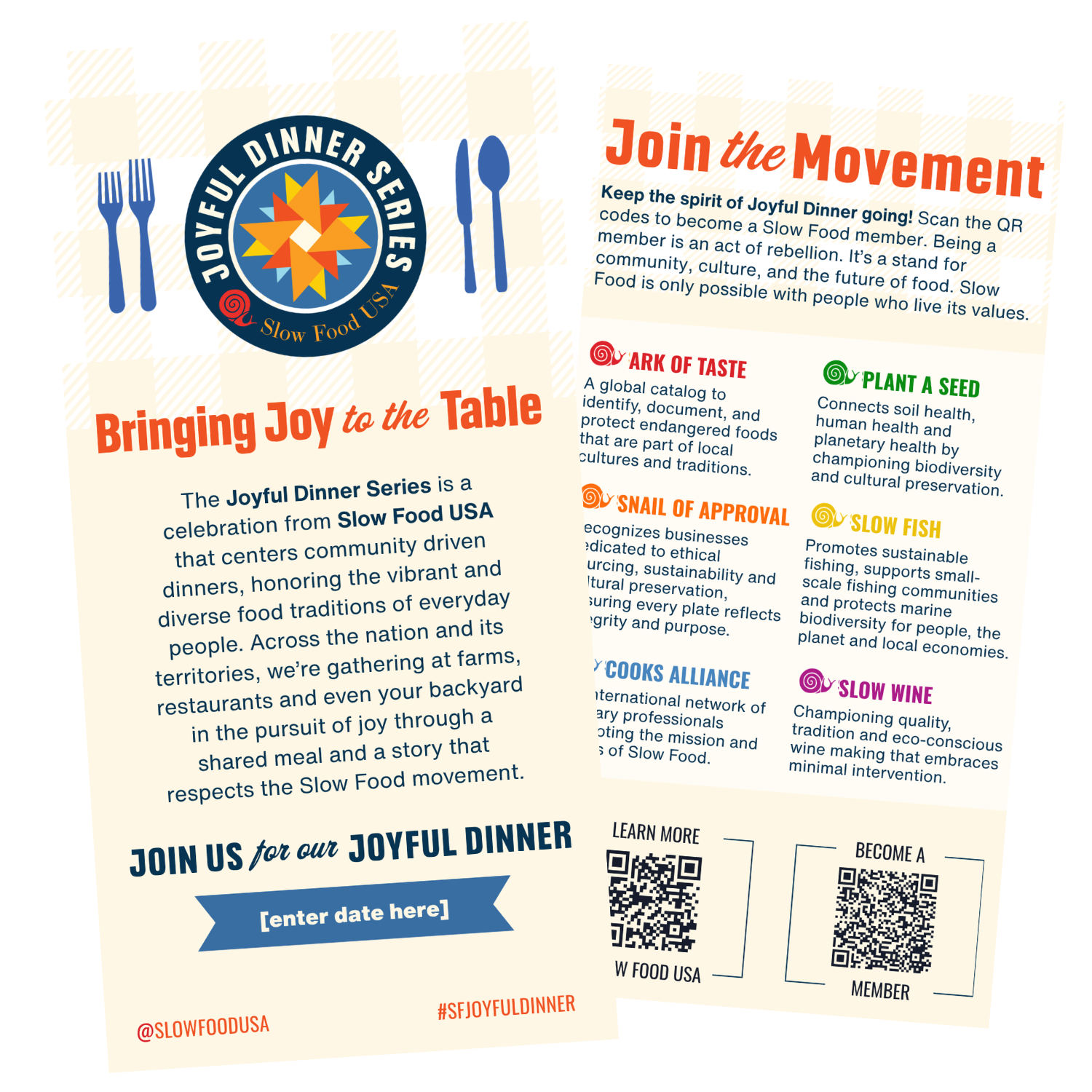
For Print: Check Presenter (4x8in)
This is a Double-Sided Check Presenter (4x8in)
Use this double-sided printable graphic to promote your Joyful Dinner in your restaurant or business.
- CLICK HERE to open the graphic in Canva.
- Insert the date of your event on the blue banner.
- Download the graphic, using these settings:
- Select PDF Print
- If you are sending to a professional printer, check the box: ‘Crop Marks and Bleed’
- Select CMYK color profile
Do not move or change any elements of this design. If you would like to request a custom graphic, please email comms@slowfoodusa.org.
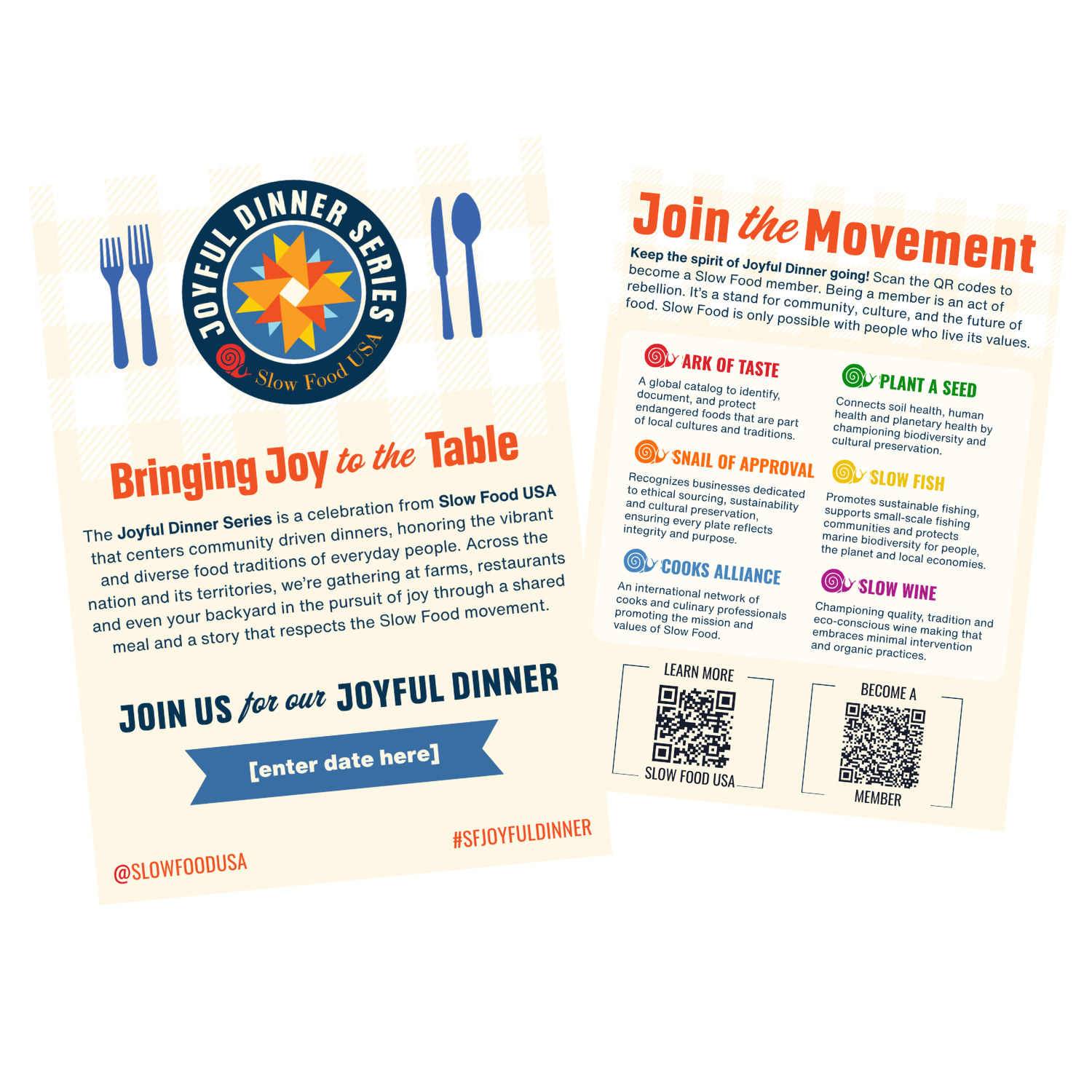
For Print: Table Topper (5x7in)
This is a Double-Sided Table Topper
Use this double-sided printable graphic to promote your Joyful Dinner in your restaurant or business.
- CLICK HERE to open the graphic in Canva.
- Insert the date of your event on the blue banner.
- Download the graphic, using these settings:
- Select PDF Print
- If you are sending to a professional printer, check the box: ‘Crop Marks and Bleed’
- Select CMYK color profile
Do not move or change any elements of this design. If you would like to request a custom graphic, please email comms@slowfoodusa.org.
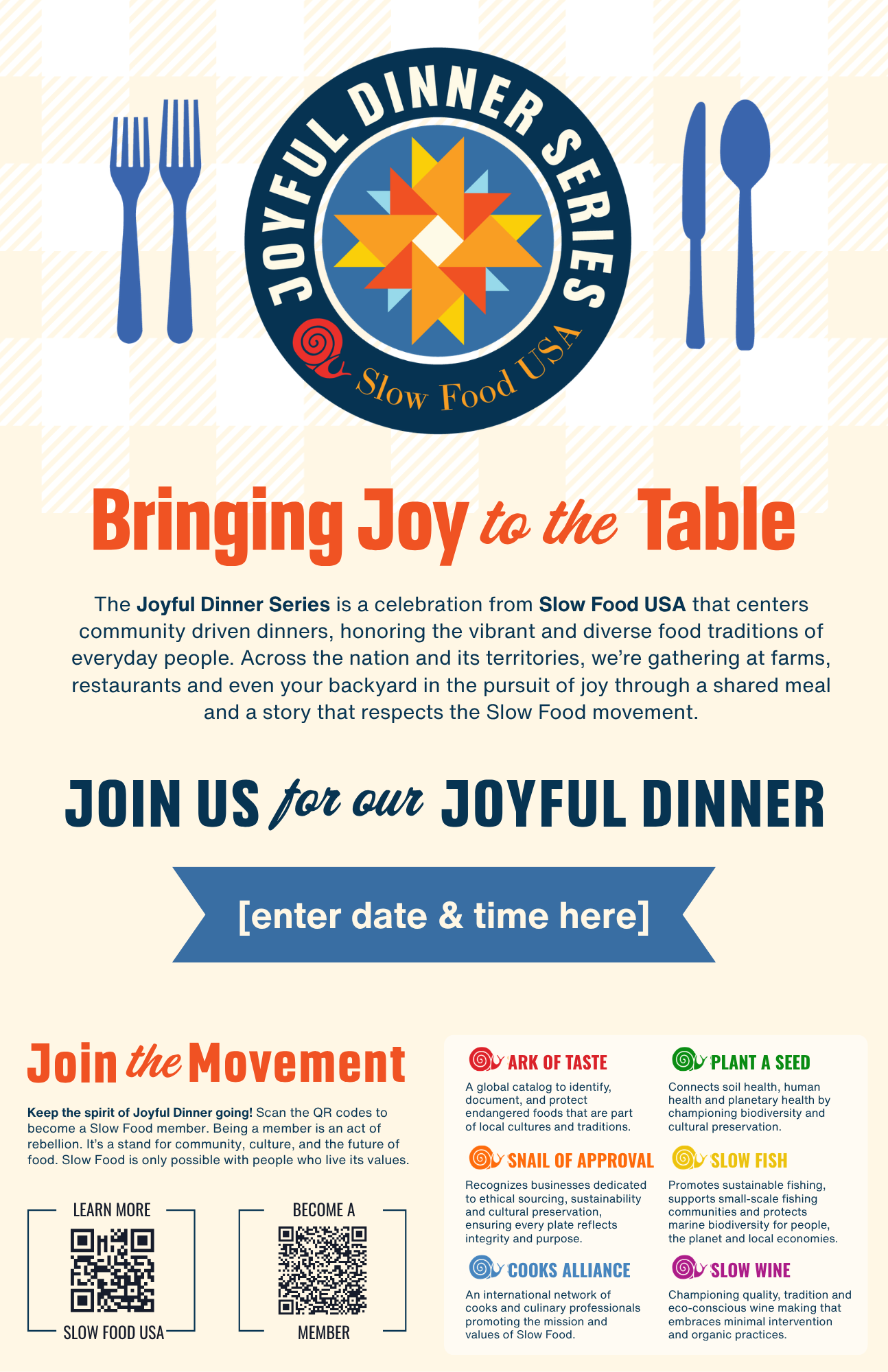
For Print: Poster (11x17in)
This is a Single-Sided Poster. If hanging on a window, we recommend printing it double-sided.
- CLICK HERE to Open the graphic in Canva.
- Insert the date & time of your event on the blue banner.
- Download the graphic, using these settings:
- Select PDF Print
- If you are sending to a professional printer, check the box: ‘Crop Marks and Bleed’
- Select CMYK color profile
Do not move or change any elements of this design. If you would like to request a custom graphic, please email comms@slowfoodusa.org.
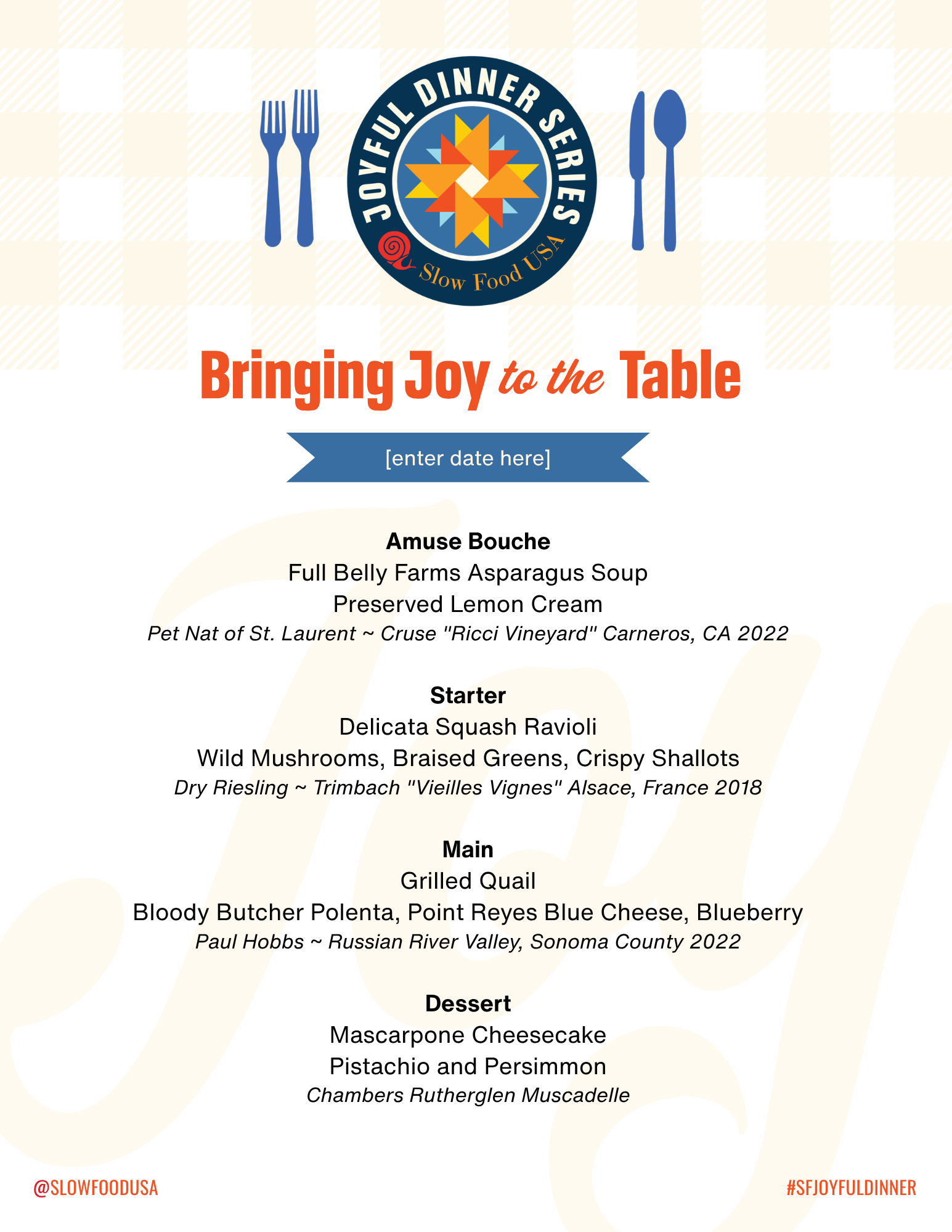
This is a Single-Sided Menu template(8.5x11in).
- CLICK HERE to open the graphic in Canva.
- Insert the date & time of your event on the blue banner. Edit the menu section.
- Download the graphic, using these settings:
- Select PDF Print
- If you are sending to a professional printer, check the box: ‘Crop Marks and Bleed’
- Select CMYK color profile
Do not move or change any elements of this design. If you would like to request a custom graphic, please email comms@slowfoodusa.org.